


Turn browsers into buyers with Virtual Try-On
Shoppers upload their photo once and try on any garment instantly. No changing rooms, no guesswork, just a clear and personal preview of how it looks on them.
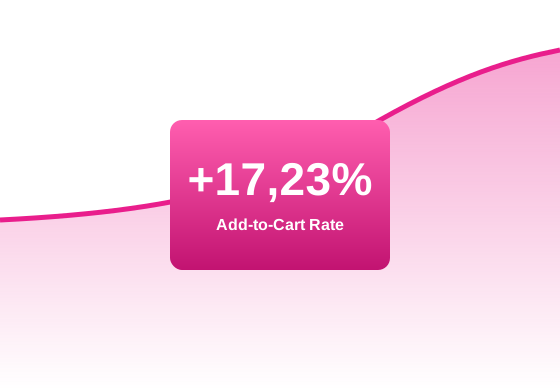
The result: higher add-to-cart rates, stronger conversions, and fewer expectation-related returns.

Your photo


Give shoppers more reasons to buy and fewer reasons to return
Shoppers see selected garments on their own photo, in seconds. That personal view is what drives confidence at checkout and reduces the gap between what they expect and what they receive.
More sales. Fewer returns. Happier shoppers.

Shoppers who try on convert at a higher rate.
Fewer returns from size and style mismatches.
One photo, reused across every product and session.
Try it on a real product, right now
Select your gender, pick a garment and click Try on. In a few seconds you will see the result on a real photo.
1 — Select gender
2 — Choose a garment
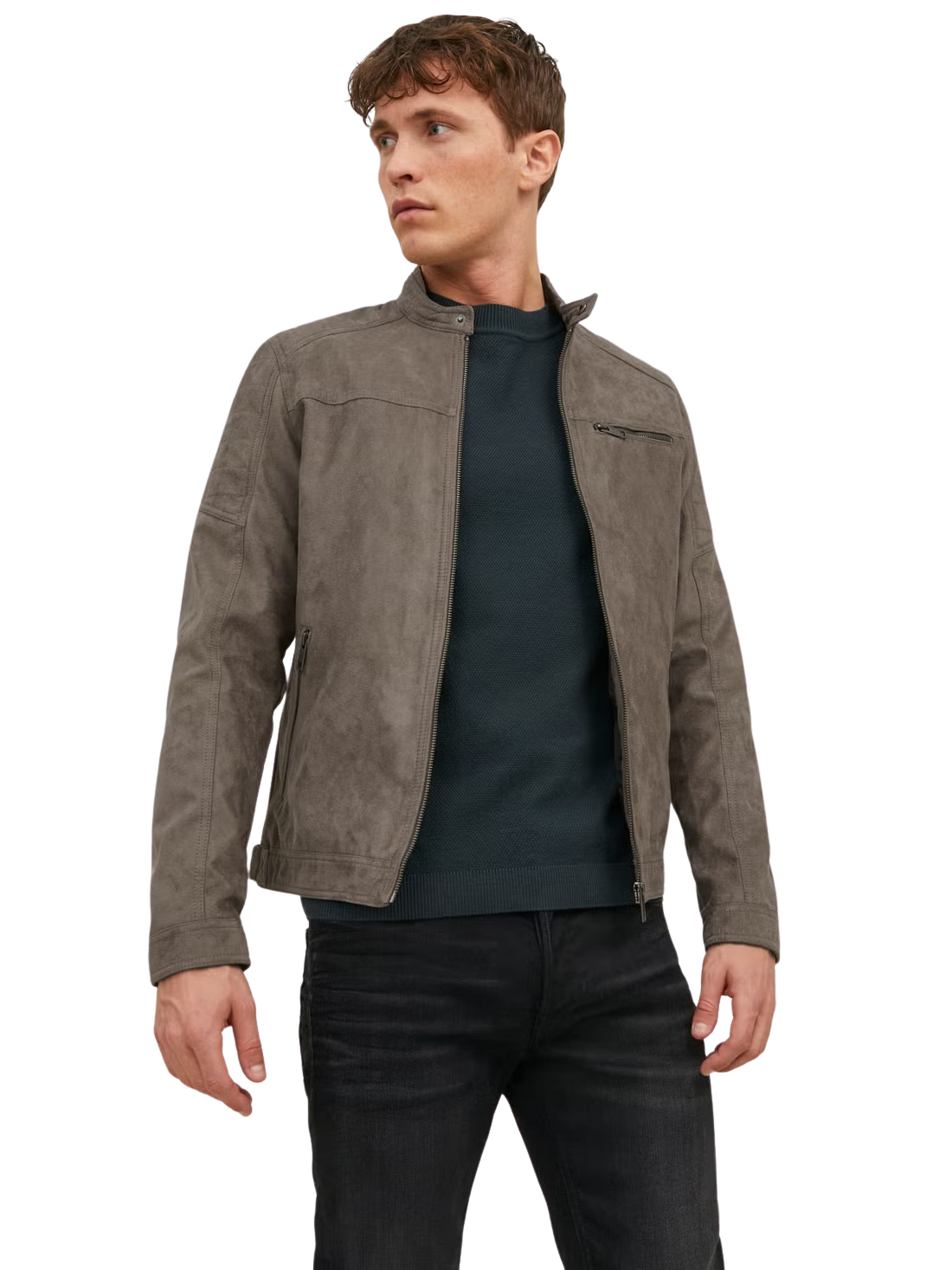
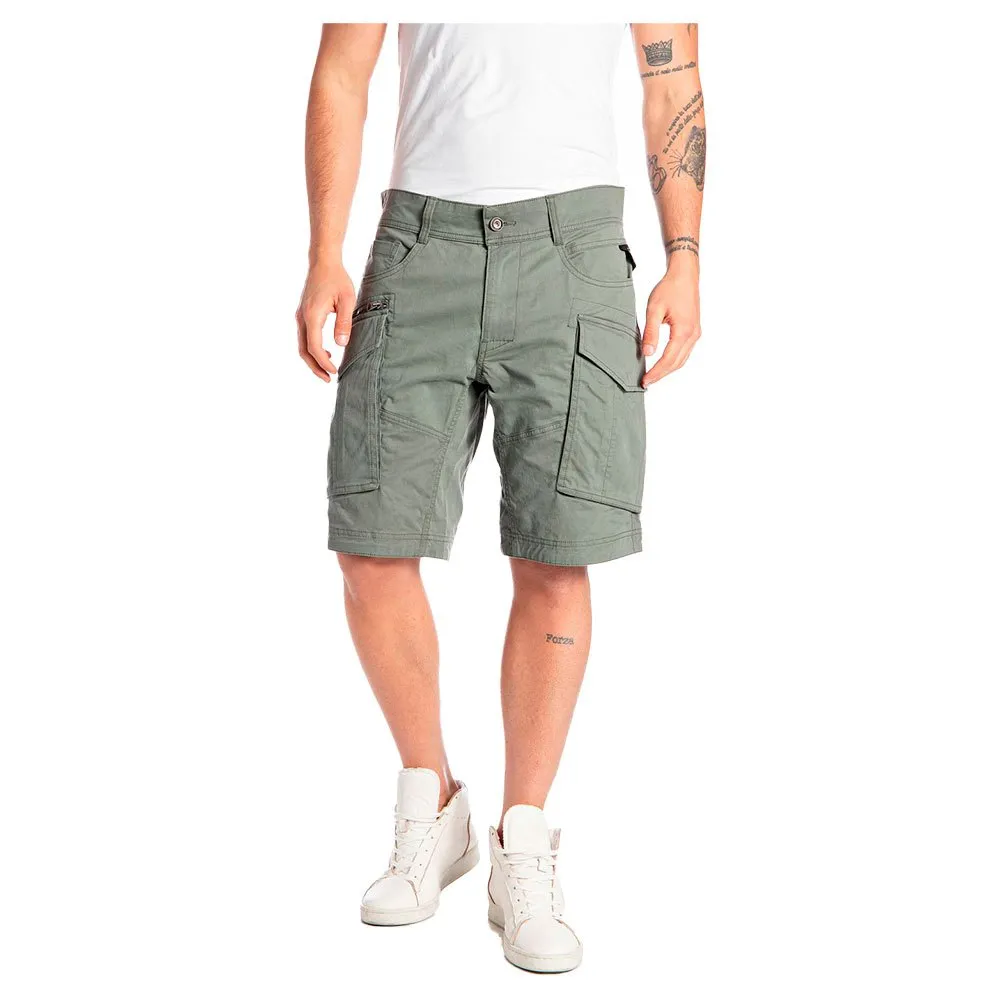
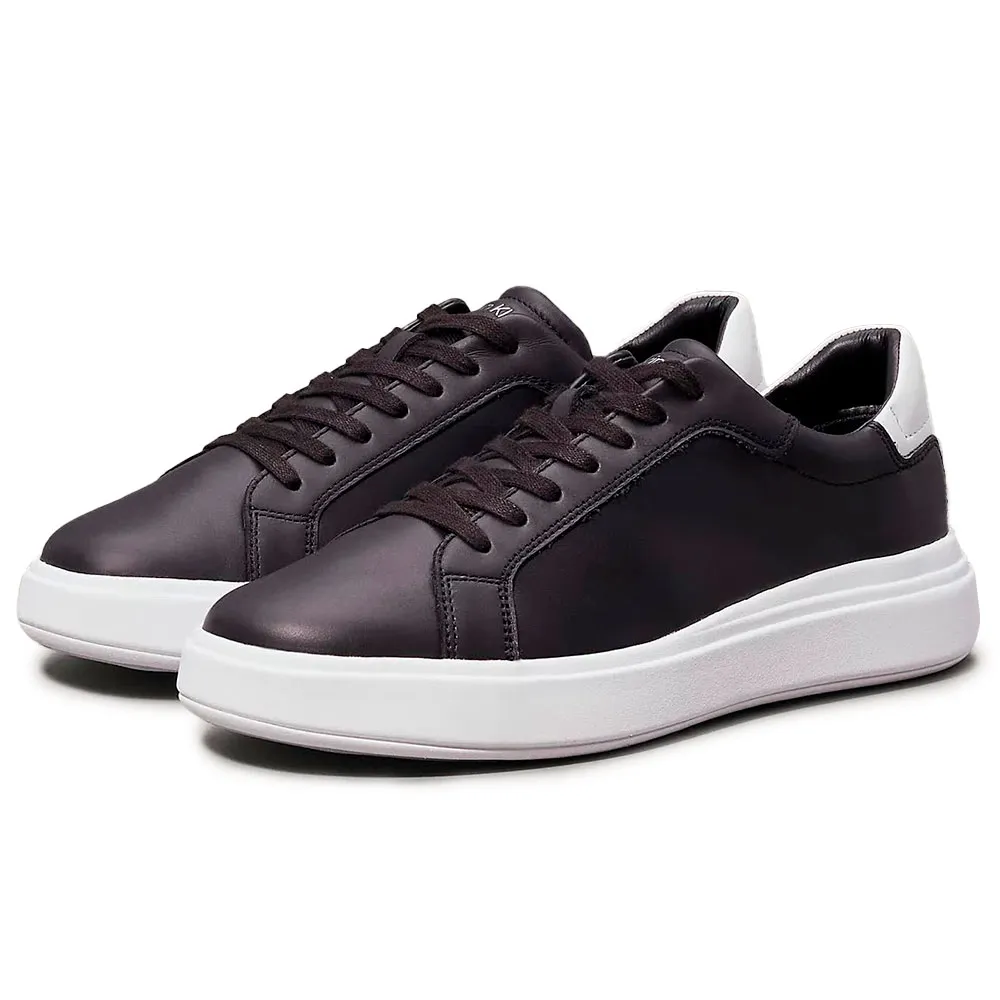
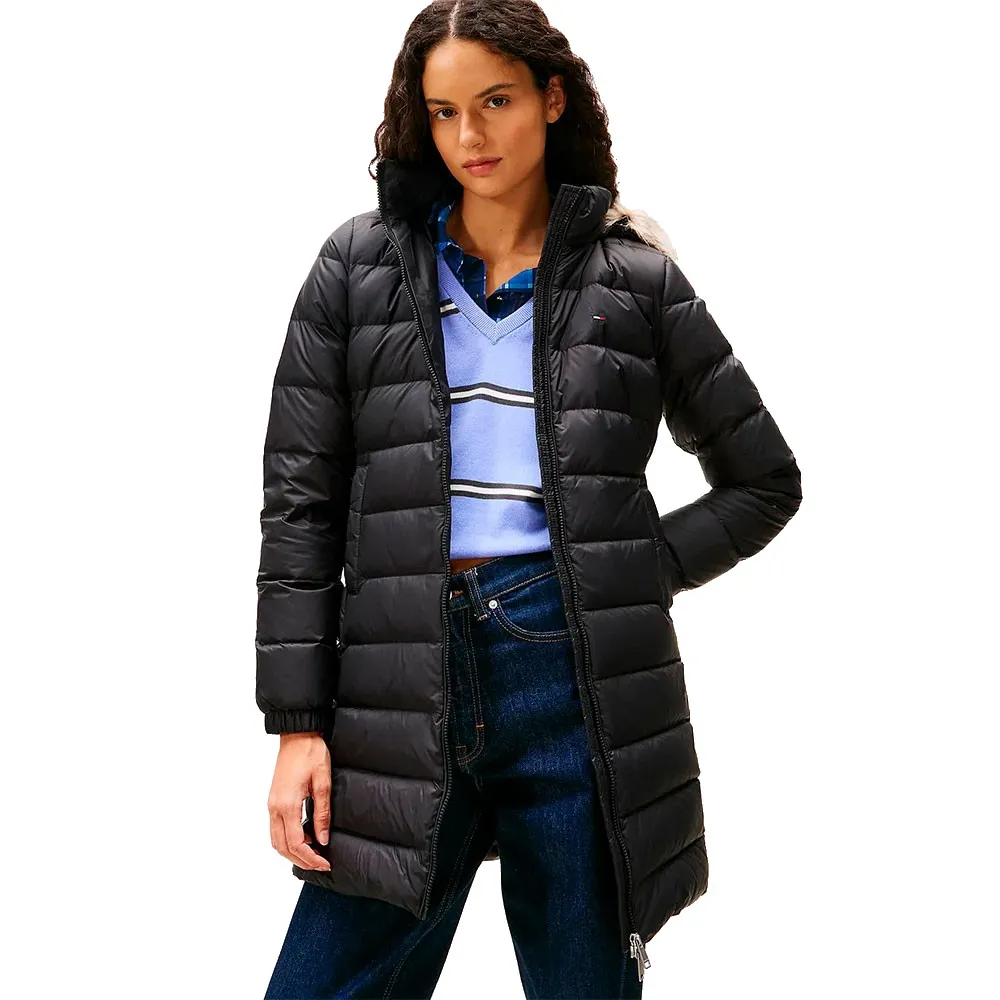 FASHION - COAT
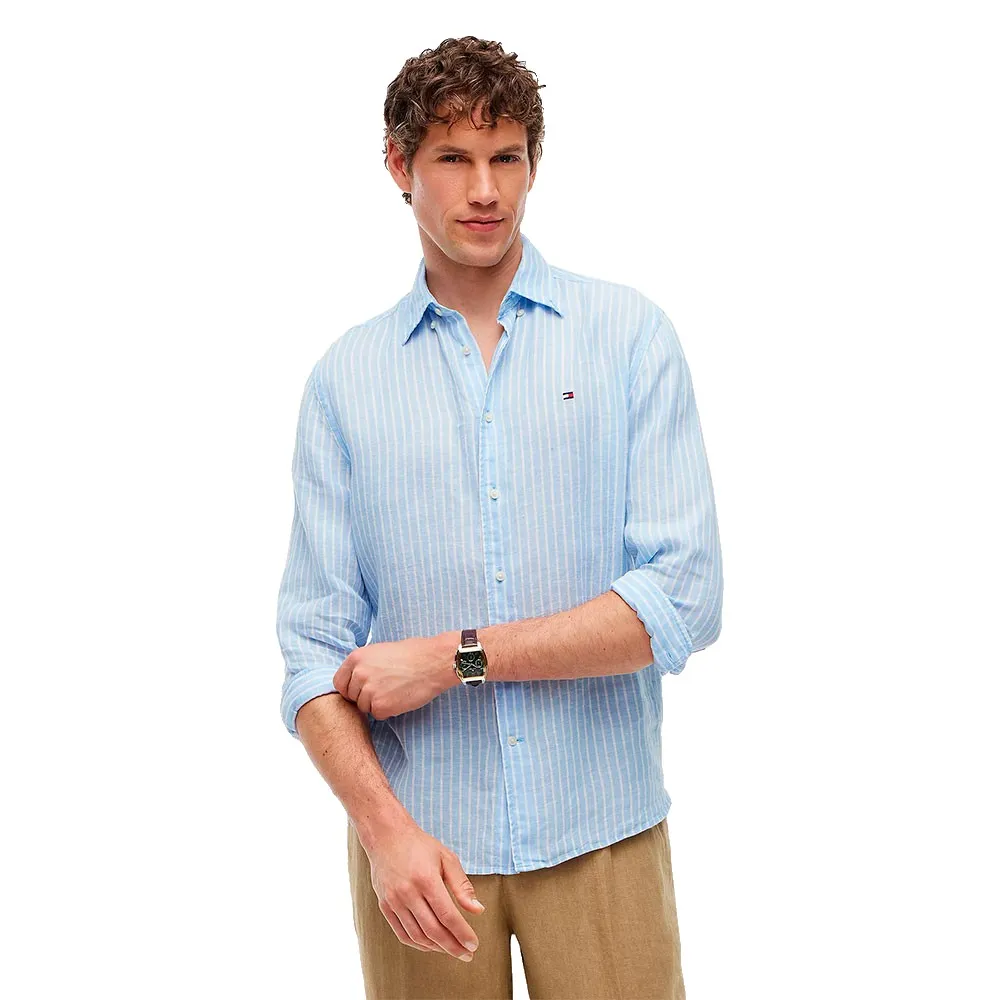
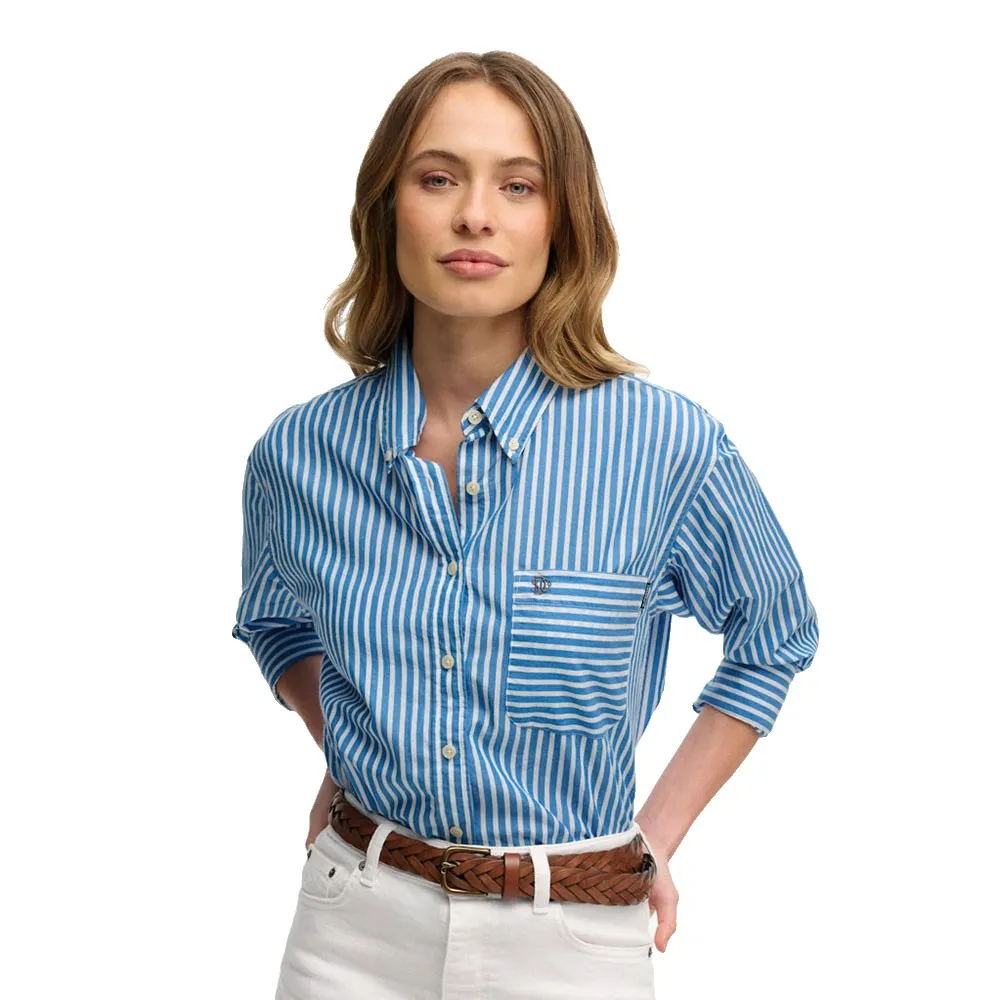 FASHION - SHIRT
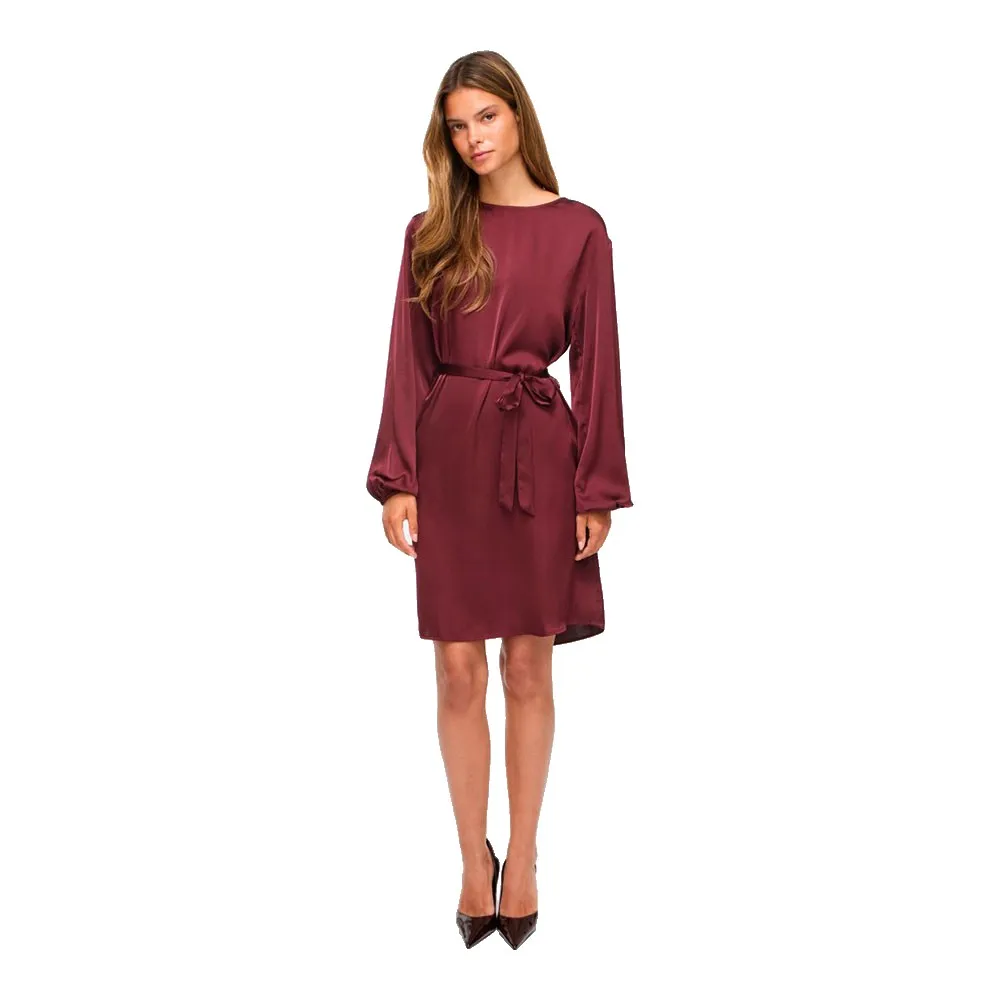 FASHION - DRESS
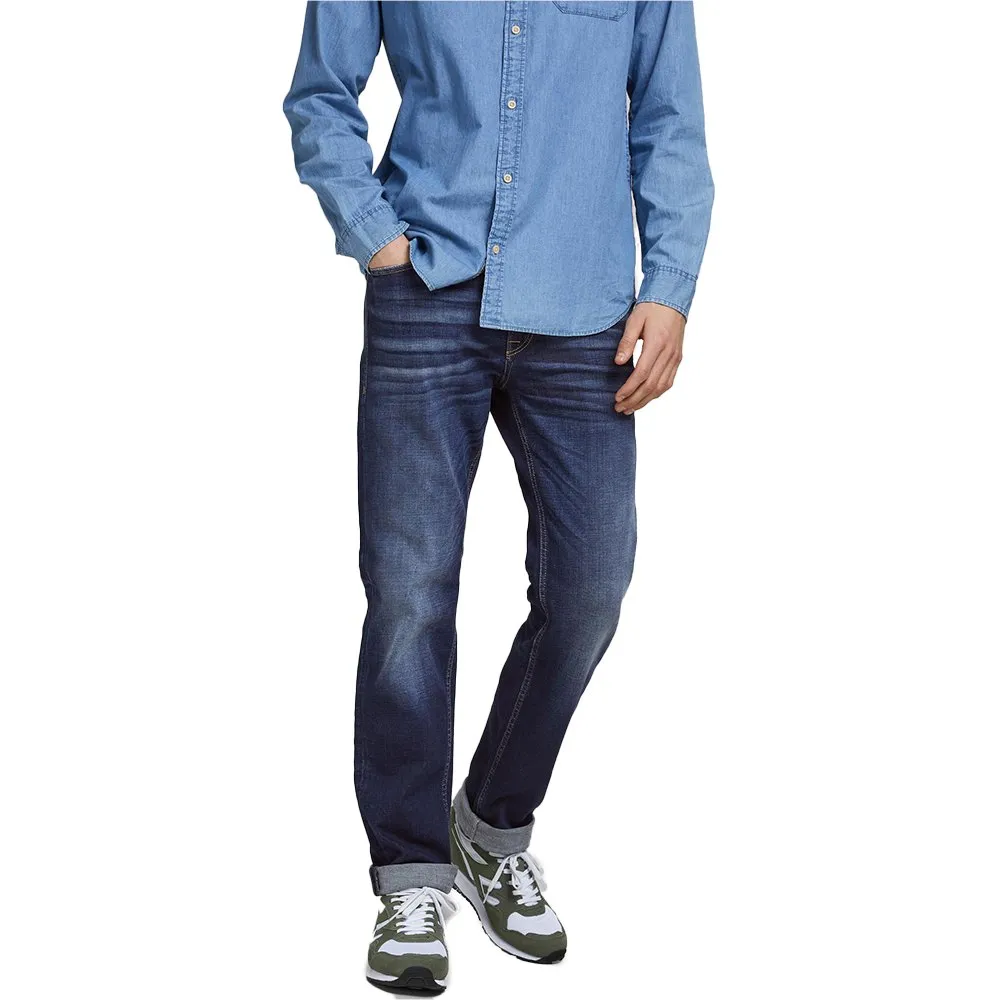
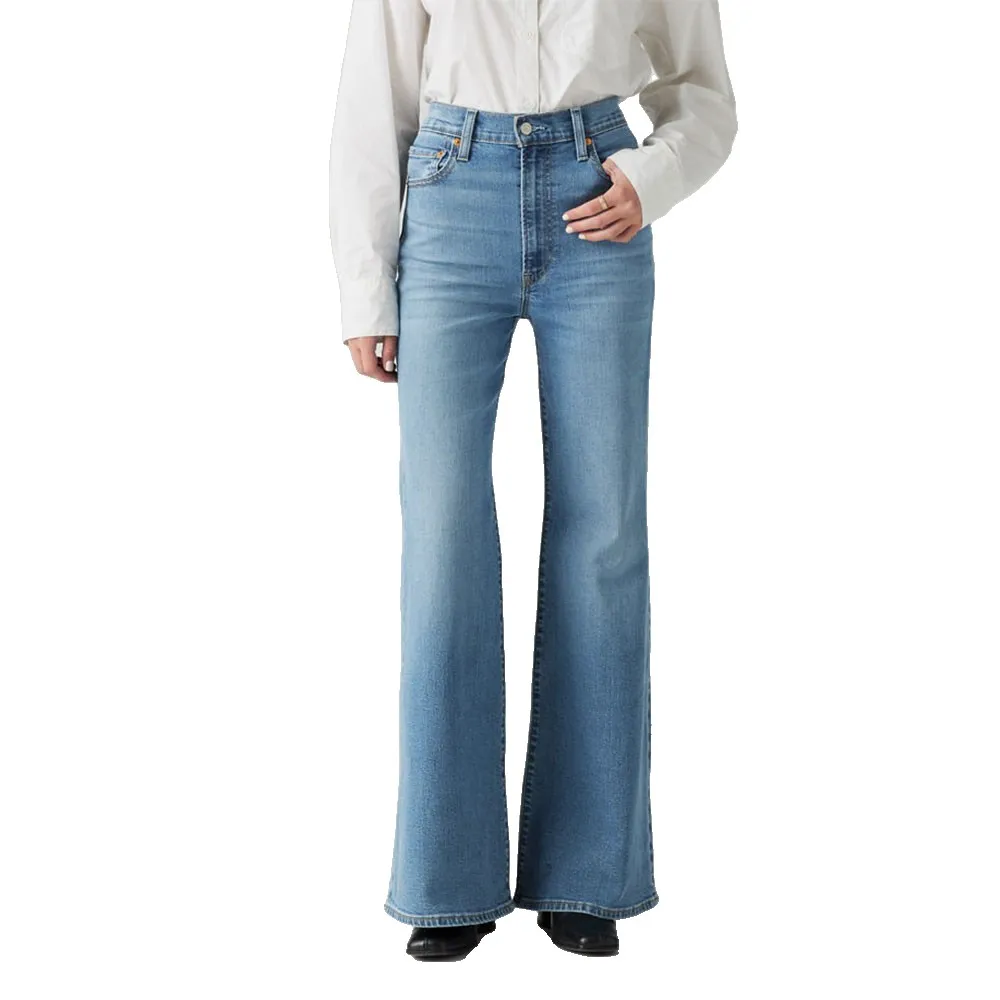 FASHION - JEANS
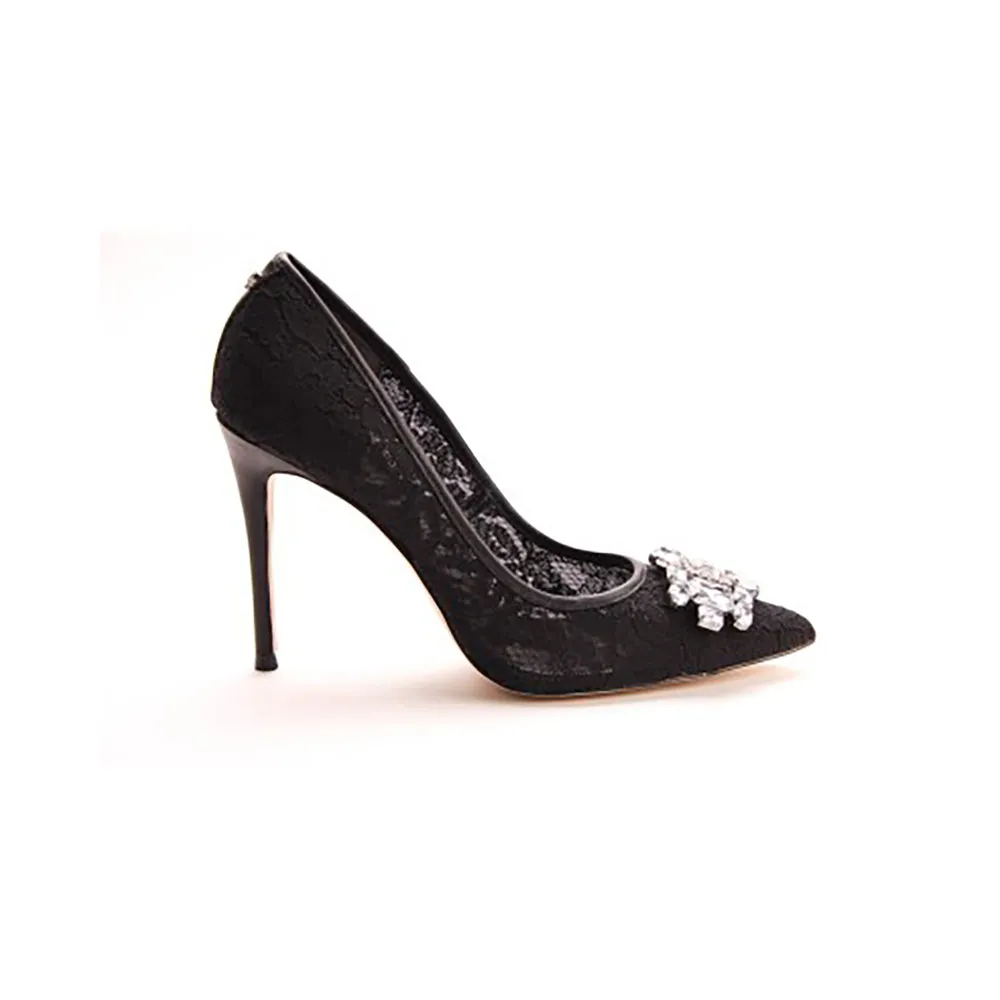 FASHION - HEEL SHOES
Selecciona un producto
para ver el Virtual Try-On
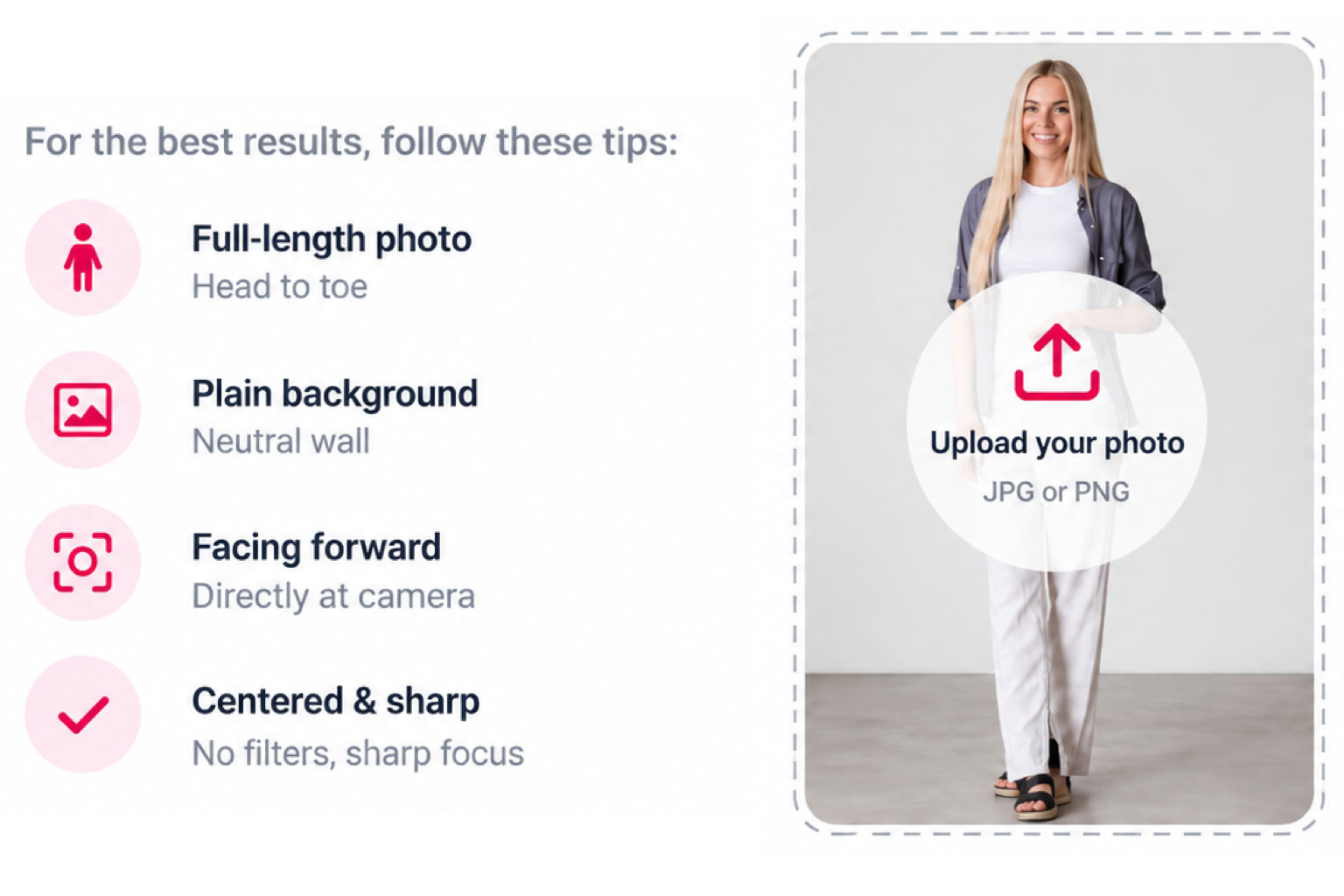
For the best result, use a well-lit, full-body photo with one person and a clear view of the body.
From product page to personalised look
Virtual Try-On is integrated directly into the customer journey. No app, no redirect, no friction.
One click from the product page
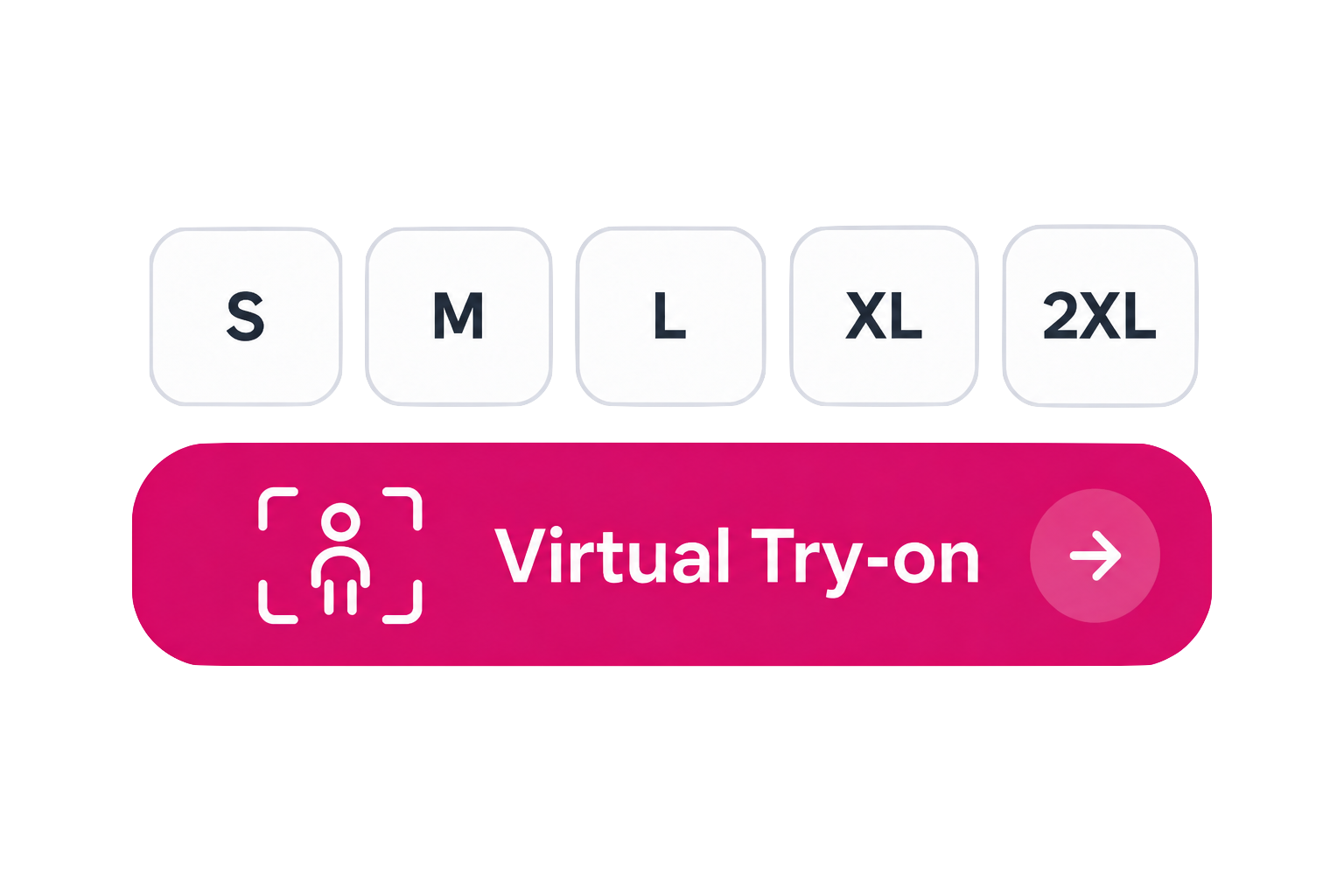
The shopper finds the "Virtual Try-on" button next to the product images, alongside the Size Adviser "What is my size" button.
Upload once, use everywhere
The shopper uploads a front-facing photo. It's saved securely to their profile, they won't need to upload it again across sessions or products.
See it on you
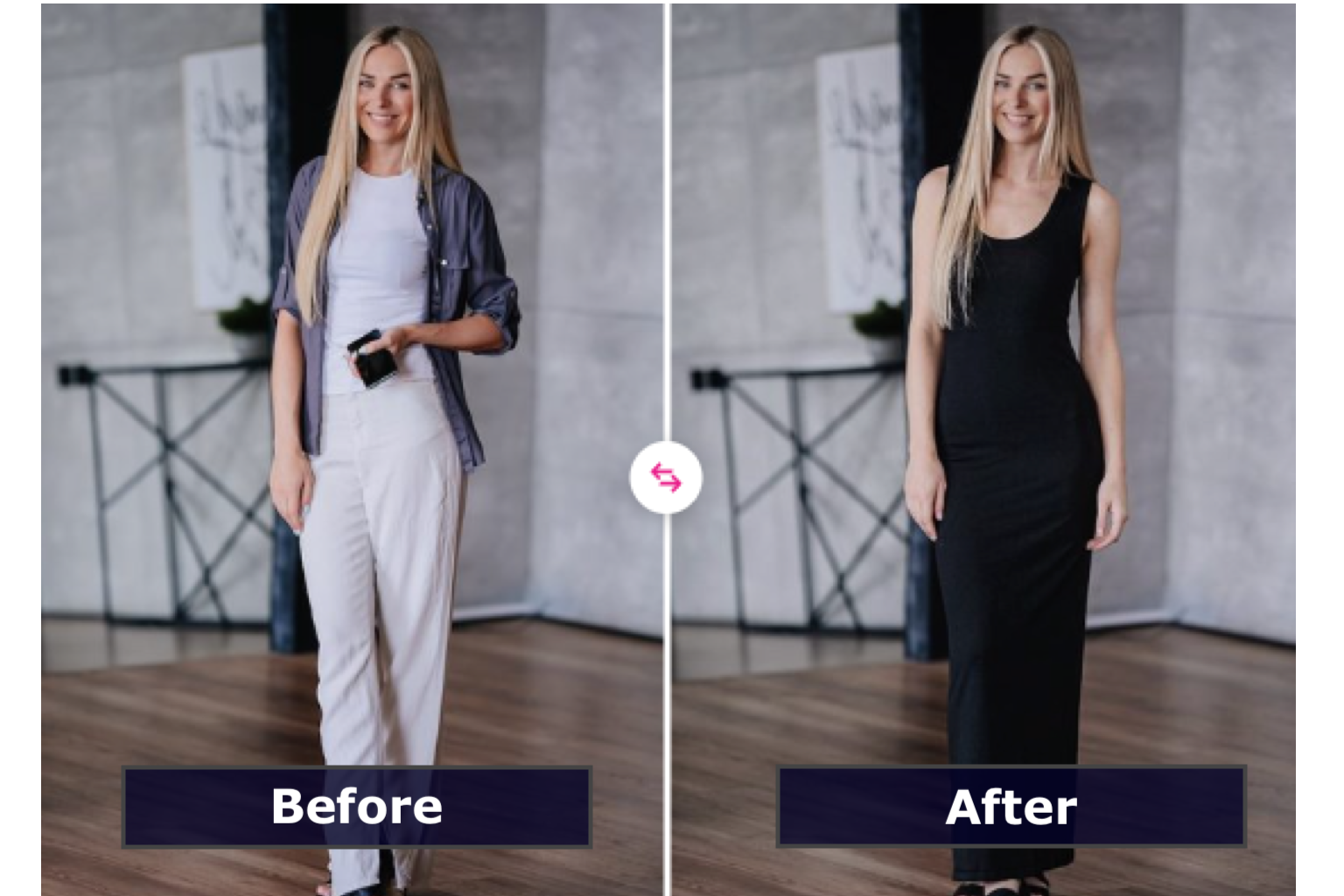
AI generates a personalized image with the selected product on the shopper's photo. The result is realistic, immediate and personal.
Add to cart + Gallery
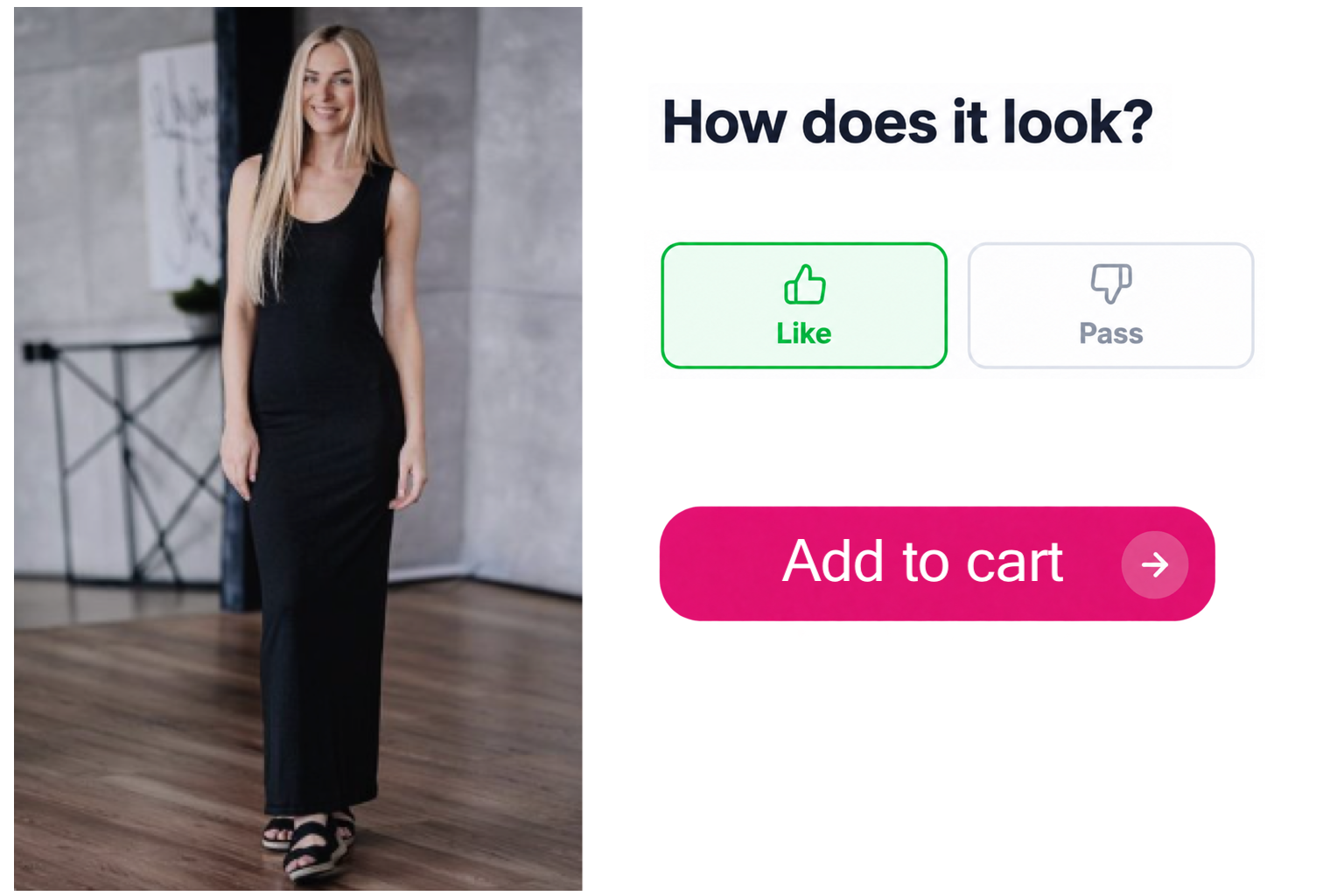
Happy with the look? Add it to the cart straight from the try-on. Every result is saved to a gallery so shoppers can keep the same photo.
Virtual Try-On, built into Smart Assistant
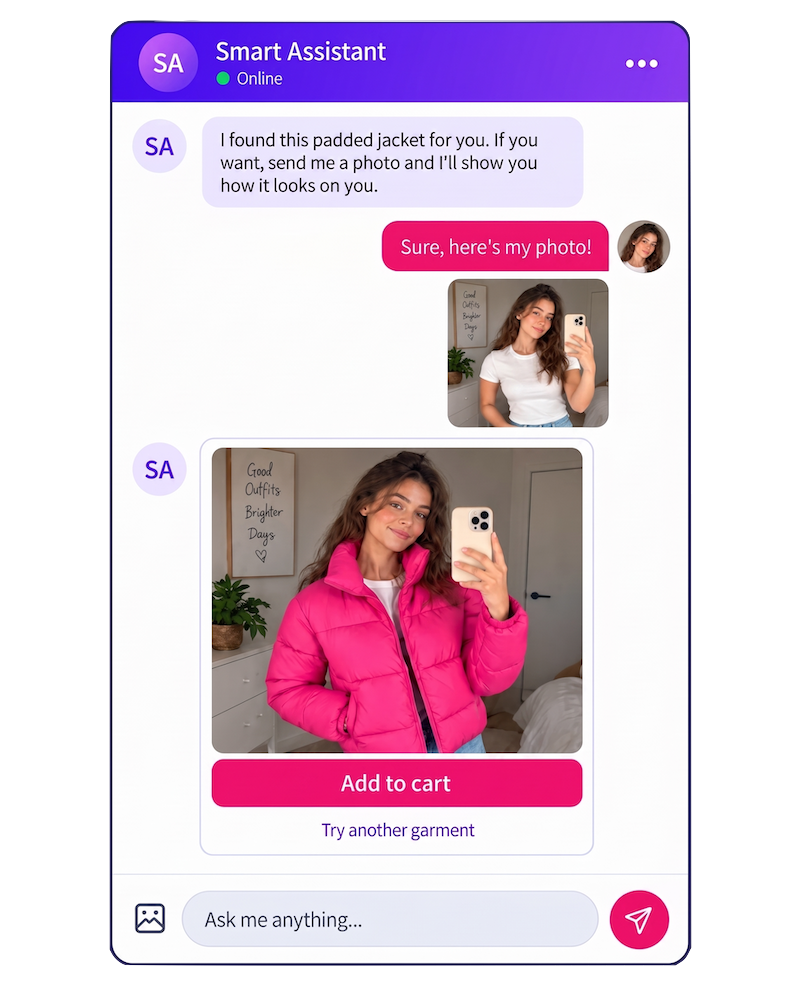
Shoppers can ask the chatbot to try on any garment in natural language and see the result instantly, across profiles and across sessions.
Shoppers ask the bot to try on any garment in natural language.
The try-on result appears inline in the conversation, no redirect needed.
Shoppers can switch between profiles to try on garments for different people in the same session.
One uploaded photo works across the whole conversation and future sessions.
Multi-profile support lets shoppers try on for themselves or someone else.
Size advice and Virtual Try-On work together, guided by the same assistant.
Every try-on result is saved to the shopper's personal gallery, ready to revisit or share.
Shoppers can add any tried-on garment to the cart directly from the conversation.
Every look, saved. All in one place.
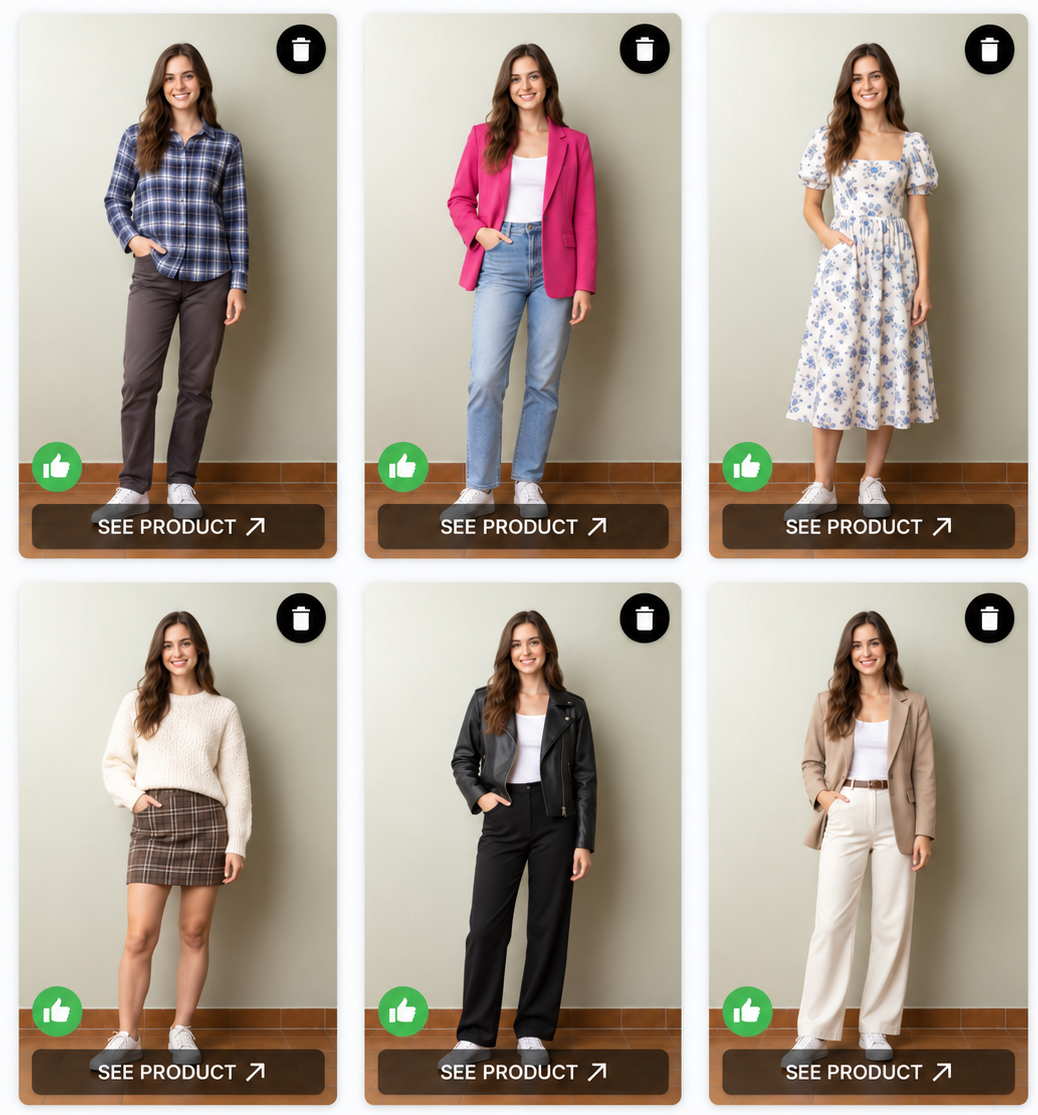
Every Virtual Try-On result is automatically saved to the shopper's personal gallery. They can revisit their looks, compare garments, change their photo and manage their history, from any device, at any time.
Try on again: Re-generate any saved look with a new photo or in a different size
Change your photo: Update the saved photo and regenerate all looks automatically
Rate the look: Shoppers can mark each try-on as a favourite, helping the AI surface better recommendations
Delete anytime and forever: Shoppers are always in control of their images and can remove any look or their photo at any time
Measure every
interaction
Understand how customers use Virtual Try-On and how the experience influences the shopping journey.
Launch in hours. Give every shopper the confidence to buy.
Plug-and-play widget, no catalogue redesign needed
Real-time garment fit simulation per body type
Personalized size recommendation for every shopper
Significant reduction in return rate and support costs
Full analytics on try-on sessions and conversion impact
Our widget is ready to embed
with just two lines of code
across Desktop, iOS and Android Apps


One technology, multiple shopping experiences.
01
Product-page try-on
Add Virtual Try-On next to the product images, size selector or add-to-cart area. Shoppers try it in one click.
02
Personal look gallery
Every try-on is saved. Shoppers build their own gallery across products, colours and sessions — and share their favourites.
03
Complete the look
Combine products and recommend complementary items after the generated visualisation to increase average basket size.
04
Campaign and landing-page experiences
Create interactive campaigns around collections, launches, influencers or seasonal events with the try-on as the hero feature.
05
Assisted shopping via Smart Assistant
Connect Virtual Try-On with Smart Assistant so shoppers can ask questions and see the try-on result inline in the conversation.
06
In-store digital touchpoints
Deploy the same widget on tablets or kiosks in physical stores. Bring the online try-on experience to shoppers who prefer to discover in person.
A transparent and secure experience.
Shoppers know exactly how their photos are used, how long they are kept, and how to delete them whenever they want.
Shoppers give explicit consent before uploading any photo, right inside the widget.
A clear link to your image-processing policy is always visible during the experience.
Simple, plain-language information about how long images are stored and why.
Photos and galleries are only visible to the shopper who created them and can be deleted at any time.
Every result is clearly identified as AI-generated. GDPR compliant from day one.

What our clients say about our technology and service
Our clients highlight the value of a truly personalized service—from onboarding and product analysis to benchmarking, monitoring, and continuous improvement. Every step is designed to maximize results and simplify operations.
Today, Smart Assistant powers over 3,000 brands in more than 150 countries and 25 languages. Built to work on any platform, channel, or technology, it integrates seamlessly with international standards and systems, ensuring reliability and scalability worldwide.

“Usizy quickly became the best partner we could find in significantly boosting sales, reducing returns and improving our stock, all with consistent, extraordinary service. Usizy Solutions is our platform in more than 350 brands”


“We tested and decided to add their solution to all of our eCommerces for football and sports leagues in over 30 brands. uSizy provides an essential product for any eCommerce today, and has proven to be a proactive and reliable partner”


“Usizy has become the ideal solution, significantly impacting returns and sales, transforming complexity into simplicity.
Their services are game changer for fashion retailers. Easy integration and huge business impact.”


“The perfect tool for our goals in every country. We have also increased the number of countries where we make sales equivalent to our sales conversion rate. Fast communication and solution oriented. Congratulations Usizy.”


“After only 2 months of use, we noticed a big reduction in the number of tickets due to size issues. The majority of customers use the Usizy module which is very easy to use. The price is very competitive compared to other modules.”


“At Blue Banana, we have always focused on offering a perfect shopping experience for our customer taking care of every detail. Since working with Usizy this goal is more than fulfilled and behind a great tool there is a wonderful team.”


“Usizy not only solves the sizing problem but complements merchants and retailers with extra value added features that allow them to predict, plan & procure, making this businesses much more financially efficient.”


“For years we faced issues with consumer confidence in online shopping and tested many technologies to reduce returns. Then Usizy blew us away and got real results in such a short amount of time. We are happy to have them as our partner.”


“Footwear returns are a major contributor to logistics costs. uSizy’s team tackled these problems, successfully reduced returns and related costs, and daily improves our business by helping us manage sizing and stock. A great partner!”


“Usizy is one of the best solutions I have seen in recent years. Although the front-end seems simple, the back-end is built with a really innovative technology. Without a doubt, every retailer should add Usizy to their eCommerce. ”



Our profit solutions for
today's business world.
We develop products with and for our customers in order to help them improve their business in the different pains of their day to day life:
size, stock, price, logistics, etc.


A proven original technology that works with more than 3.000 brands and 500 e-Commerce
Whether you sell your own brand or hundreds of brands, our size recommender provides a great service for all sizes of businesses whatever their category or product type